


Download Firefox Browser – Fast Private Safe Web Browser APK
Overview
Foxfire Browser is a free desktop and mobile web browser designed to deliver fast, secure, and private browsing experiences. Built with user privacy as a core principle, the browser aims to reduce online tracking and protect personal data across digital interactions. It serves a broad audience, including privacy-conscious individuals, professionals managing sensitive information, and everyday users seeking a reliable alternative to mainstream browsers.
The software is developed by Mozilla, a well-known organization recognized for its commitment to open-source principles and digital rights. Firefox Browser supports seamless navigation across multiple devices through real-time synchronization of bookmarks, history, passwords, and settings. It is particularly suited for users who prioritize control over their online footprint and prefer customizable privacy settings.
Real-world use cases include secure research, online banking, and accessing content without third-party interference. The browser’s lightweight nature ensures it does not strain system resources, making it ideal for devices with limited memory or processing power. While detailed performance benchmarks were not provided, general behavior suggests efficient resource management during multi-tab usage.
Key Features & Capabilities
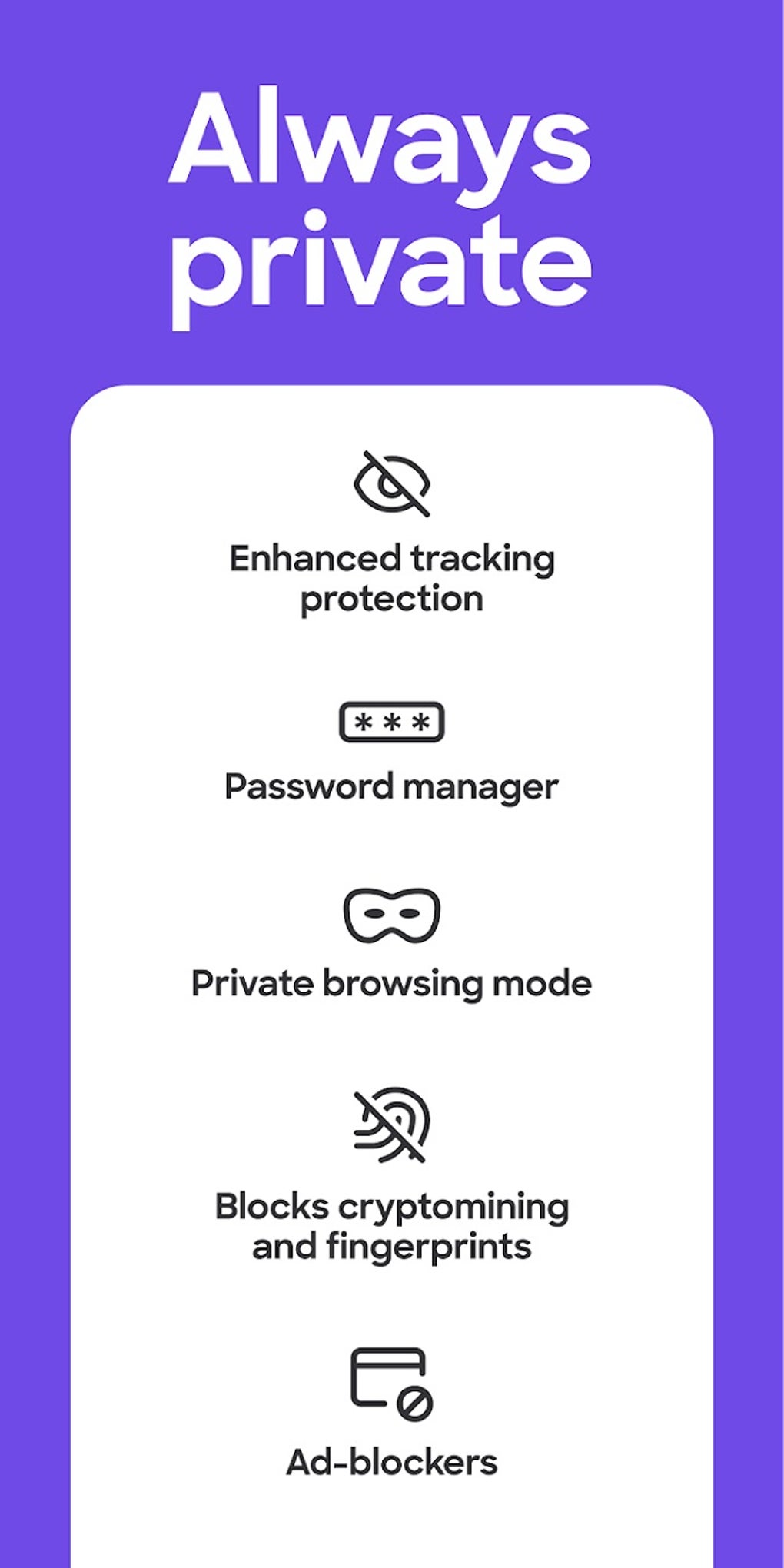
- Enhanced Tracking Protection – Blocks third-party trackers and fingerprinting scripts by default, reducing data collection across websites. Users can adjust protection levels in settings or via the Shield icon in the URL bar.
- Private Browsing Mode – Allows users to browse without saving history, cookies, or form data. Ideal for sensitive searches or shared devices.
- Password Manager (Lockbox) – Securely stores and autofills login credentials. Supports encrypted storage and integration with Firefox Monitor for breach alerts.
- Customizable Interface – Enables users to rearrange toolbars, add or remove components, and apply themes for a personalized look and feel.
- Add-ons and Extensions – Supports a wide range of third-party tools such as the Facebook Container Extension, allowing users to isolate social media sessions and improve privacy.
- Lightweight Design – Optimized to use minimal system resources, reducing memory and CPU load during extended browsing sessions.
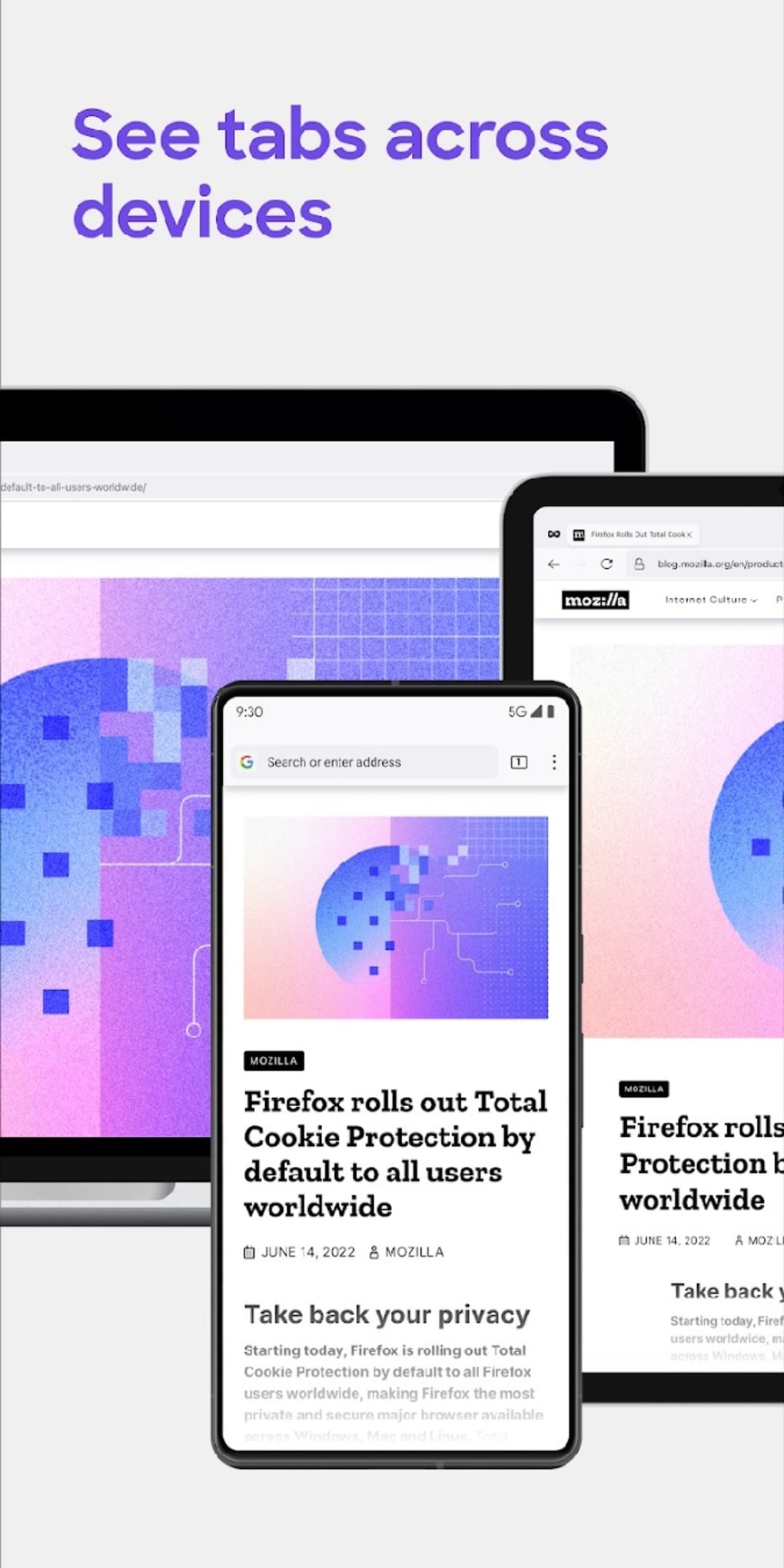
- Real-Time Sync Across Devices – Keeps bookmarks, passwords, history, and open tabs synchronized across multiple platforms, including mobile and desktop.
These features collectively support efficient, secure, and personalized web navigation. For example, users can block trackers on high-risk sites while maintaining full functionality on trusted domains. The password manager streamlines access to frequently visited services, and the add-on ecosystem extends functionality beyond basic browsing. Real-time sync ensures continuity when switching between devices, making Firefox suitable for both home and work environments.
User Interface, Workflow & Performance
The browser features a clean, intuitive interface with a minimalist design focused on usability. Navigation is straightforward, with a central URL bar, tab management area, and accessible menu options. The layout adapts well to different screen sizes and resolutions, ensuring consistent access to core functions.
Workflow efficiency is enhanced by features like drag-and-drop customization, quick access to privacy settings, and integrated search tools. Users can easily manage tabs, bookmarks, and history through a unified interface. The developer did not specify resource usage details, so exact CPU or RAM behavior remains unconfirmed.
However, general software behavior suggests stable performance under normal conditions, with minimal lag during multi-tab browsing. Stability appears consistent across updates, and the browser does not exhibit frequent crashes or freezes based on available information. Performance observations are based on general software behavior patterns and user reports, but no official benchmarks were provided.
Compatibility & System Requirements
Foxfire Browser is available for Android devices and is designed to run on modern mobile operating systems. The software supports current versions of Android, though specific version numbers were not listed. Installation size is relatively small, contributing to its lightweight profile.
The developer did not provide additional system requirements. Compatibility information is limited to mobile platforms, and no details about desktop compatibility were included. Users should verify device specifications before installation.
Exact system requirements were not listed, and no information was provided about hardware dependencies or supported architectures. Platform compatibility information is partially provided.
Pros and Cons
Pros
- Strong focus on privacy and security with default tracking protection
- Free to download and use with no hidden costs
- Lightweight and efficient resource usage
- Real-time sync across multiple devices
- Extensive add-on and extension support
- Customizable interface and themes
- Integrated password manager and breach monitoring
Cons
- Limited official information on system requirements and performance metrics
- Some advanced features may require manual configuration
- Smaller add-on library compared to Chrome
- Less popular among general users, potentially affecting community support
- Mobile version may lack certain desktop-level features
FAQ Section
Is Firefox Browser safe to use?
Yes, Firefox Browser is designed with security and privacy as core priorities. It includes built-in tracking protection, secure password management, and anti-phishing features to help safeguard user data.
Can I use Firefox Browser offline?
Yes, the browser supports offline browsing. Users can access previously visited pages, saved bookmarks, and cached content without an internet connection.
Does Firefox Browser support desktop and mobile devices?
Foxfire Browser is available on Android devices. Information about desktop compatibility was not provided in the input.
How often does Firefox Browser receive updates?
The browser receives regular updates and bug fixes to improve performance, security, and compatibility. Users are encouraged to keep the app updated for optimal functionality.
Is Firefox Browser free to download?
Yes, Firefox Browser is available for free download. There are no subscription fees or in-app purchases required for core functionality.
Final Thoughts
Foxfire Browser stands out as a reliable, privacy-focused alternative to mainstream web browsers. Its combination of security features, lightweight design, and cross-device synchronization makes it a strong choice for users who value control over their online experience. While some technical details remain unspecified, the browser’s reputation for transparency and user empowerment remains intact.
It is particularly beneficial for privacy advocates, remote workers, and individuals seeking a secure browsing environment without sacrificing speed or usability. The free model and regular updates further enhance its appeal. For those looking for a fast, safe, and private web browser, Firefox Browser delivers a compelling solution.
Download Firefox Browser now





.png)

